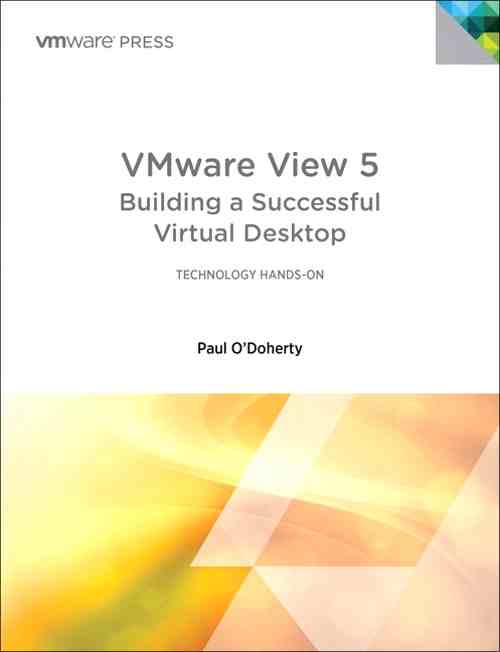
 Discover the powerful and cost saving new virtualization opportunities on the client side with VMware View 5! In VMware View 5: Building a Successful Virtual Desktop, leading virtualization consultant Paul O'Doherty teaches the essentials of View, bringing together critical information, deep insights, and best practices drawn from his extensive experience deploying virtual desktop technology in many of today's most demanding business environments. O'Doherty walks through every step of View, from the earliest planning phases through configuration, implementation, and management. He illuminates crucial considerations ranging from changes to end-user experience and support considerations through performance management. Readers will learn how to plan and smoothly stage virtual desktop infrastructure deployments, and avoid pitfalls associated with latency, scalability, storage, and networking. Using this book's proven techniques, virtualization professionals can achieve the full promise of virtualized desktops, dramatically improving system administration productivity while building environments that are more flexible and easier to manage.
Wednesday, May 9. 2012
New Book - VMware View 5: Building a Successful Virtual Desktop
Discover the powerful and cost saving new virtualization opportunities on the client side with VMware View 5! In VMware View 5: Building a Successful Virtual Desktop, leading virtualization consultant Paul O'Doherty teaches the essentials of View, bringing together critical information, deep insights, and best practices drawn from his extensive experience deploying virtual desktop technology in many of today's most demanding business environments. O'Doherty walks through every step of View, from the earliest planning phases through configuration, implementation, and management. He illuminates crucial considerations ranging from changes to end-user experience and support considerations through performance management. Readers will learn how to plan and smoothly stage virtual desktop infrastructure deployments, and avoid pitfalls associated with latency, scalability, storage, and networking. Using this book's proven techniques, virtualization professionals can achieve the full promise of virtualized desktops, dramatically improving system administration productivity while building environments that are more flexible and easier to manage.
Tuesday, May 8. 2012
Now available in Rough Cuts - The Official VCP5 Certification Guide
 The Rough Cuts service from Safari Books Online gives you exclusive access to an evolving manuscript that you can read online or download as a PDF and print. A Rough Cuts book is not fully edited or completely formatted, but you'll get access to new versions as they are created.
This is the first and only official guide to VMware's new VCP510 (VCP 5) exam. Organized to follow VMware's newest exam blueprint, it's also designed from the ground up to be both engaging and enjoyable. Author Bill Ferguson acts like a "study buddy," encouraging virtualization professionals, anticipating their questions, and helping them gain both mastery and confidence. Throughout, he provides many illustrations, tables, figures, screenshots, and realistic sample test questions - all designed to help readers learn more, learn faster, and remember more of what they learn. Coverage includes: * Understanding how virtualization can best be integrated into today's real-world IT environments * Recognizing what to change, and what to leave alone * Planning, installing, configuring, and upgrading vCenter Server and VMware ESXi * Planning and configuring vSphere networking and storage * Deploying and Administering Virtual Machines and vApps * Establishing and Maintaining Service Levels * Performing basic troubleshooting * Monitoring vSphere implementations * Managing vCenter Server alarms * Preparing for the future of VMware virtualization.
Table of Contents:
1. Planning, Installing, Configuring and Upgrading vCenter Server and VMware ESXi
2. Planning and Configuring vSphere Networking
3. Planning and Configuring vSphere Storage
4. Deploying and Administering Virtual Machines and vApps
5. Establishing and Maintaining Service Levels
6. Performing Basic Troubleshooting
7. Monitoring a vSphere Implementation and Managing vCenter Server Alarms
http://www.pearsonitcertification.com/store/product.aspx?isbn=0132965658
http://www.pearsonitcertification.com/store/product.aspx?isbn=0132965658
Thursday, May 3. 2012
The VMware Reference Architecture for Stateless Virtual Desktops on Local Solid-State Storage with VMware View 5
Wednesday, May 2. 2012
Video - Provisioning Virtual Desktops with VMware View 5.1 and VAAI
VMware has announced VMware View 5.1
 (Page 4 of 5, totaling 21 entries)

