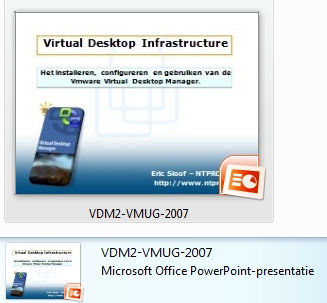
I was one of the speakers at the Dutch VMUG event, my presentation covers the introduction to the installation and administration of VMware Virtual Desktop Manager (VDM). VDM is a connection broker for VMware Virtual Desktop Infrastructure (VDI). It connects users to virtual desktops running on VMware Virtual Infrastructure (VI), and plays a critical role in security, access control, and overall desktop management. VMware VDM integrates with Active Directory and VirtualCenter to manage and deploy desktops to end users. VDM also provides a client that enables users to connect to virtual desktops using either a Windows PC or thin client. VDM provides a secure environment for deploying and accessing virtual desktops and leverages existing Active Directory functionality for authentication and login. You need the PowerPoint Viewer 2007 to open my presentation.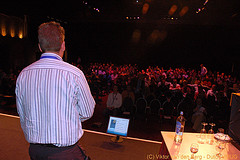
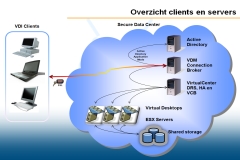
Photo taken by Viktor van den Berg